
Charts with perspective
Move between timeframes and chart types to examine an instrument from different angles.
Analyse charts, follow your instruments and manage positions in one workspace. Explore MetaTrader 5 with ArayFX on desktop and mobile.
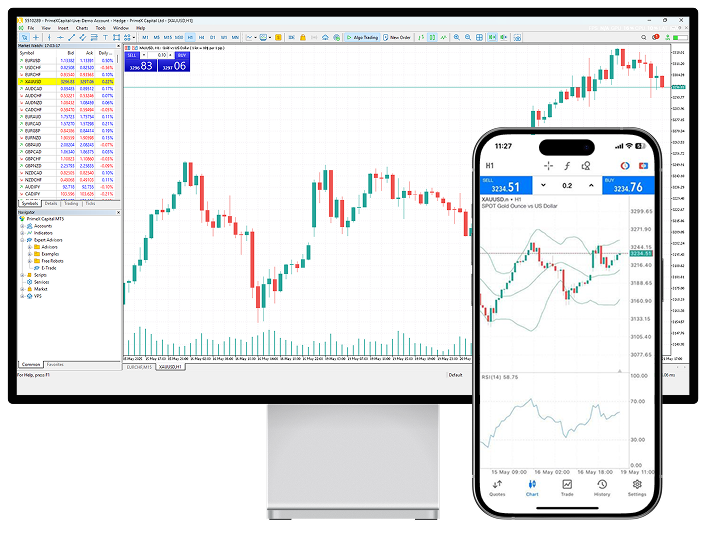
Tools for each stage of your process, in a trading workspace you can organise around the way you work.
Move between timeframes and chart types to examine an instrument from different angles.
Use indicators and drawing tools to mark levels and compare signals in context.
The desktop platform supports Expert Advisors and strategy testing to help evaluate your rules before use.
Organise your watchlist and move between the asset classes available to your account.
Use desktop for detailed analysis and the mobile app to follow your account. Tools vary by device.
Follow the economic calendar on desktop and consider event timings alongside your charts.
Arrange windows, charts and watchlists, and keep orders and open positions in view. Market and pending orders, stop loss and take profit tools support the way you manage each step.
Choose MetaTrader 5 for your device, then sign in with your ArayFX account details.
A full workspace for analysis and trading.
Download WindowsFollow your account and charts on mobile.
Download AndroidFollow your account and charts on mobile.
Download iOSExplore accounts, review trading conditions and choose what fits your experience.